Short answer
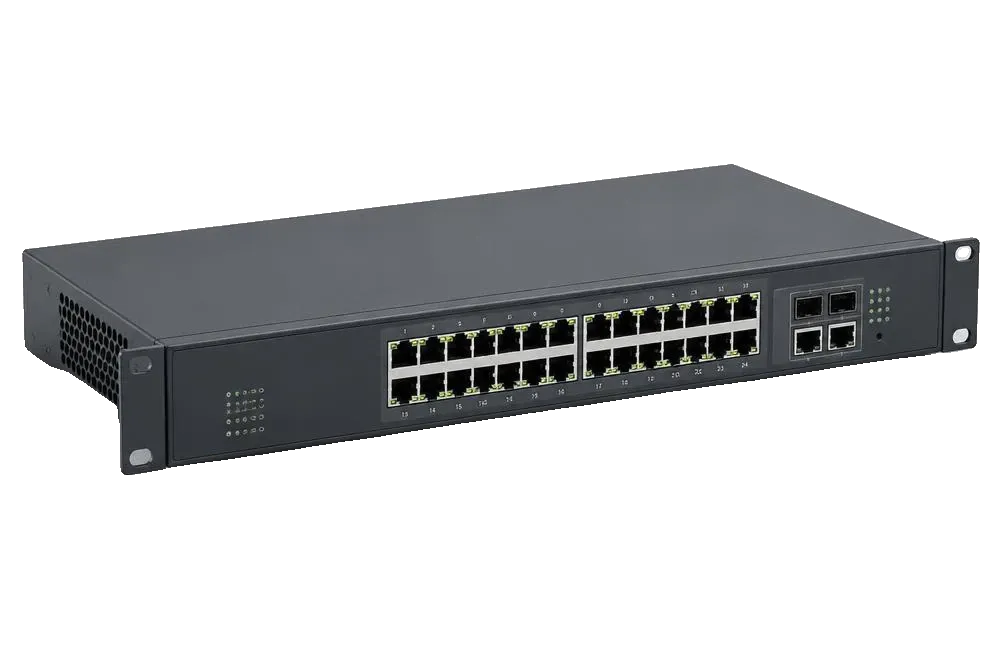
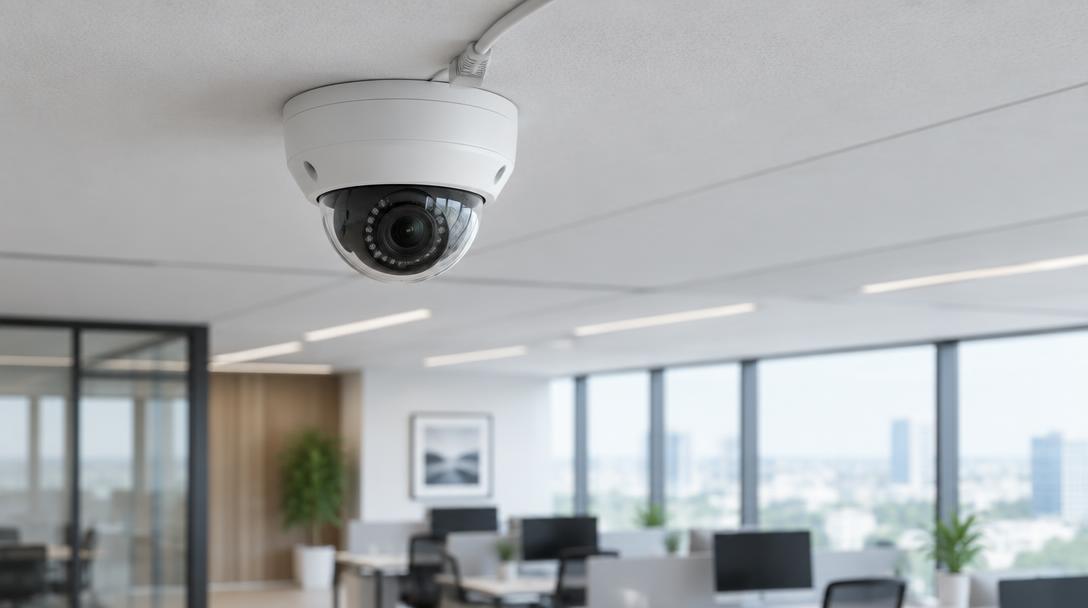
A PoE switch for cameras powers each IP camera over its network cable, so no socket is needed at the camera. Choose one with enough ports for every camera plus the recorder, a power budget covering all cameras at once, and gigabit uplinks to the NVR.
By Mercury Infosys · Updated 2026-09-21 · 4 min read
How much power each camera needs
| Camera type | Typical draw | Standard needed |
|---|---|---|
| Fixed dome or bullet | 4–8 W | 802.3af (PoE) |
| Camera with infrared night mode | 8–13 W | 802.3af (PoE) |
| Heated housing, outdoor | 15–25 W | 802.3at (PoE+) |
| PTZ with heater and wiper | 25–60 W | 802.3at or 802.3bt |
Sizing the switch
- One port per camera, plus ports for the NVR and the uplink
- Budget for night-mode draw, not the daytime figure
- 16 cameras usually means a 24-port switch, not a 16-port one
- Gigabit uplink to the recorder so recording never throttles
Distance and cable
PoE reaches 100 metres over Cat5e or better. Beyond that you need a PoE extender, a switch in an intermediate cabinet, or fibre back to the comms room. Cheap unshielded cable in a noisy environment is the usual cause of cameras that drop overnight.
Related questions
- Can I plug cameras into an ordinary switch?
- Yes, but each camera then needs its own power supply at the camera position, or a separate PoE injector per camera.
- Should the cameras be on their own VLAN?
- Yes. Keeping cameras on a separate VLAN stops them reaching the rest of the network and is standard practice on any managed install.
Hardware for this
The ranges below cover what this article describes, supplied in the UK with lead times confirmed before you commit.