Short answer
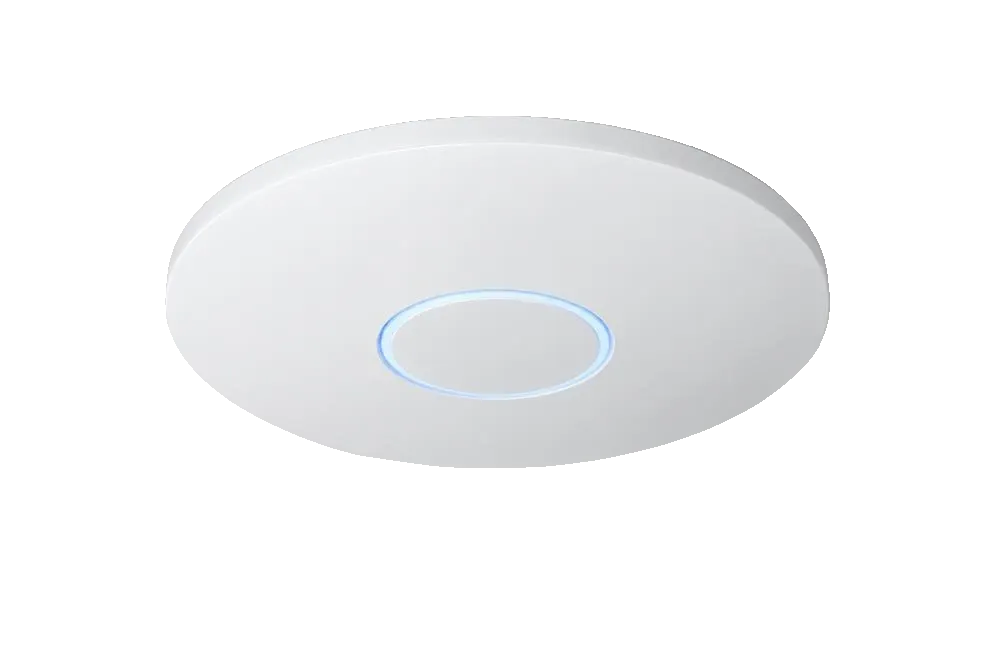
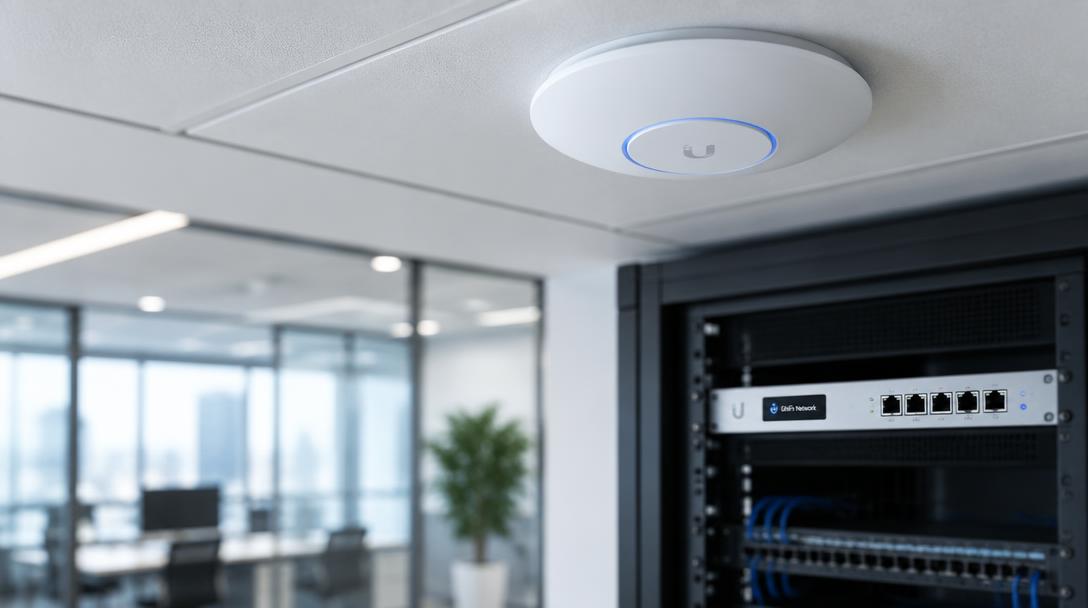
UniFi access points need a controller to adopt and configure them, but it does not have to run permanently. Once configured, access points keep serving Wi-Fi if the controller goes offline. Most businesses run it on a UniFi Cloud Gateway or Cloud Key so statistics, updates and roaming features keep working.
By Mercury Infosys · Updated 2026-09-21 · 4 min read
What stops working without a controller
- Existing Wi-Fi keeps running — clients connect as normal
- You lose the dashboard, client statistics and historical reporting
- No configuration changes, firmware updates or new adoptions
- Guest portals and some roaming features stop working
Where to run the controller
| Option | Best for | Notes |
|---|---|---|
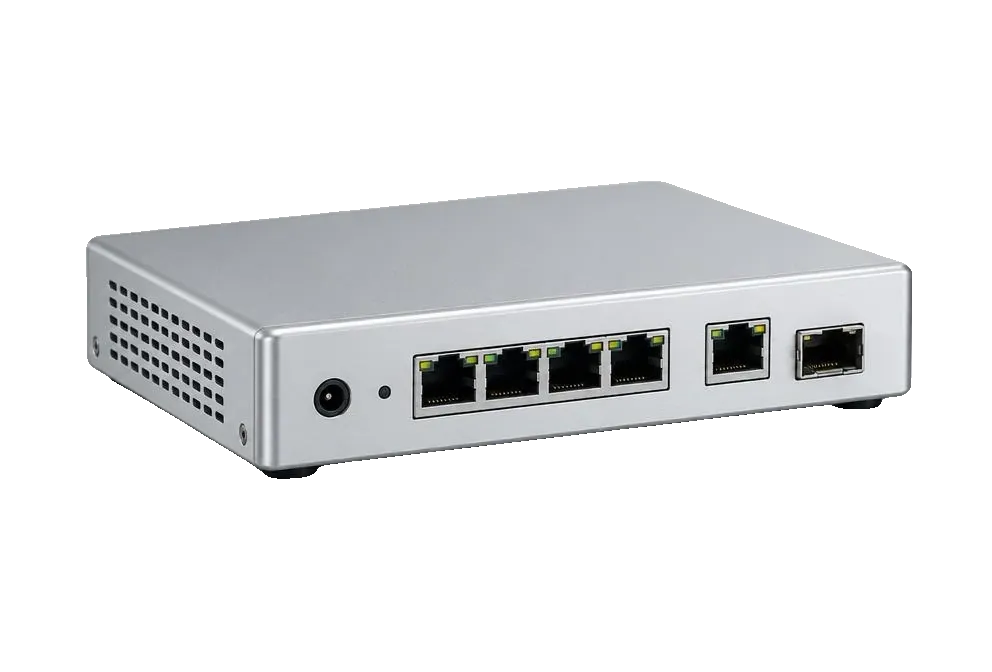
| UniFi Cloud Gateway | Most businesses | Router, firewall and controller in one appliance |
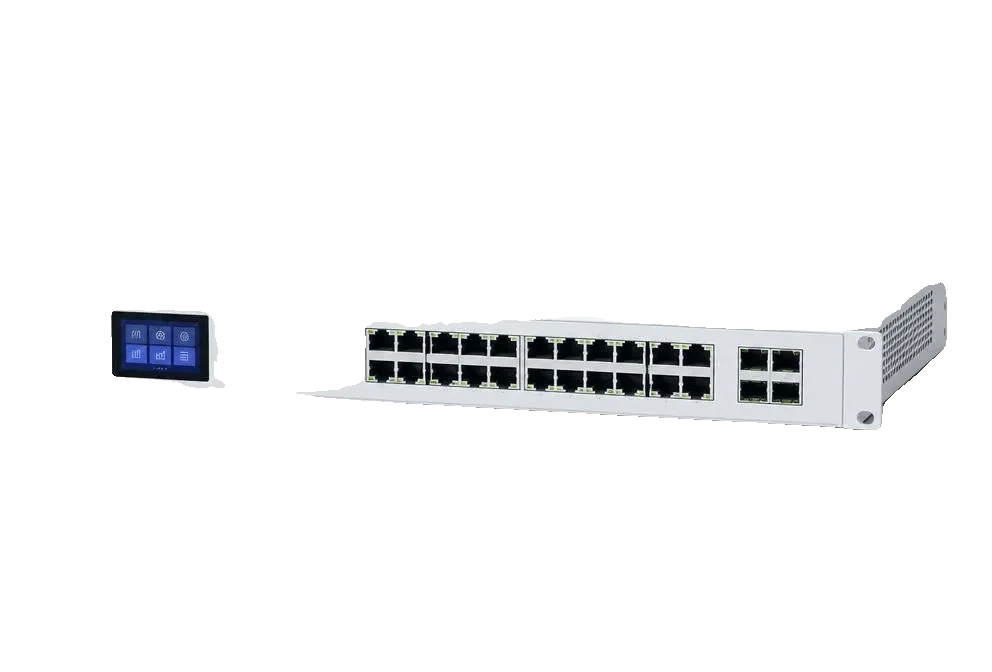
| Cloud Key Gen2 Plus | Existing routers | Dedicated hardware controller with local recording |
| Self-hosted server | Multi-site and MSPs | One controller managing many sites |
| Laptop, temporarily | Very small installs | Fine to adopt, but no ongoing visibility |
Our recommendation
For any site with more than two access points, run a permanent controller. The reporting alone pays for itself the first time someone reports slow Wi-Fi and you can see which access point and which band the problem is on.
Related questions
- Is the UniFi controller free?
- The software is free. You pay only for hardware to run it on, such as a Cloud Gateway or Cloud Key, or you host it yourself.
- Can one controller manage several offices?
- Yes. A single controller can manage multiple sites, each with its own networks and Wi-Fi settings.
Hardware for this
The ranges below cover what this article describes, supplied in the UK with lead times confirmed before you commit.