Short answer
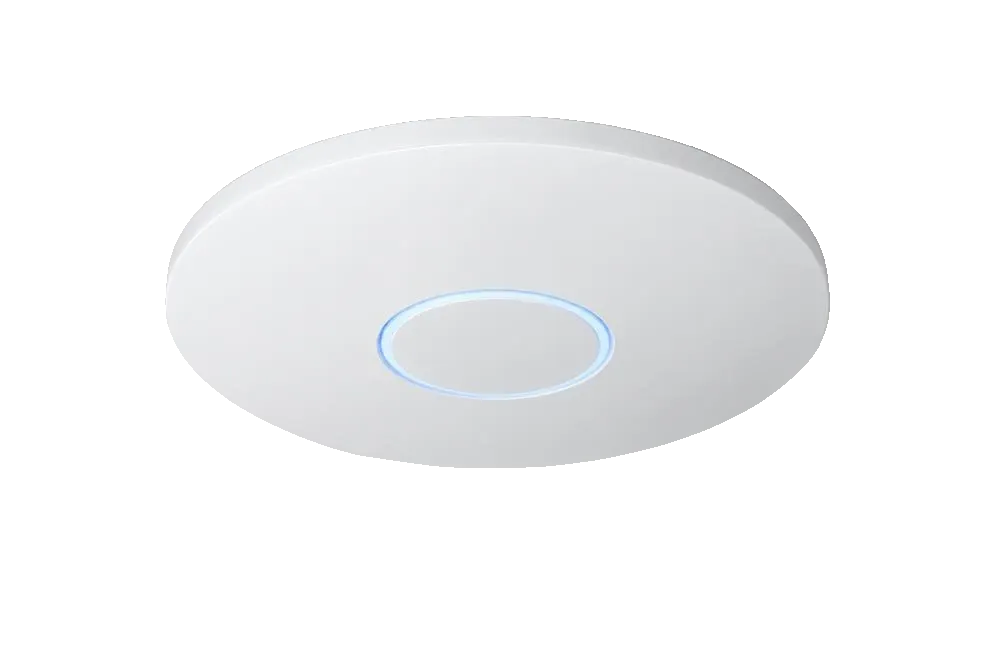
Mount the access point, connect it to a PoE switch or injector, open the UniFi controller, and adopt the device when it appears under Devices. Let it update firmware, then create your Wi-Fi network with a name, password and VLAN. Setup usually takes under ten minutes per unit.
By Mercury Infosys · Updated 2026-09-21 · 4 min read
Step by step
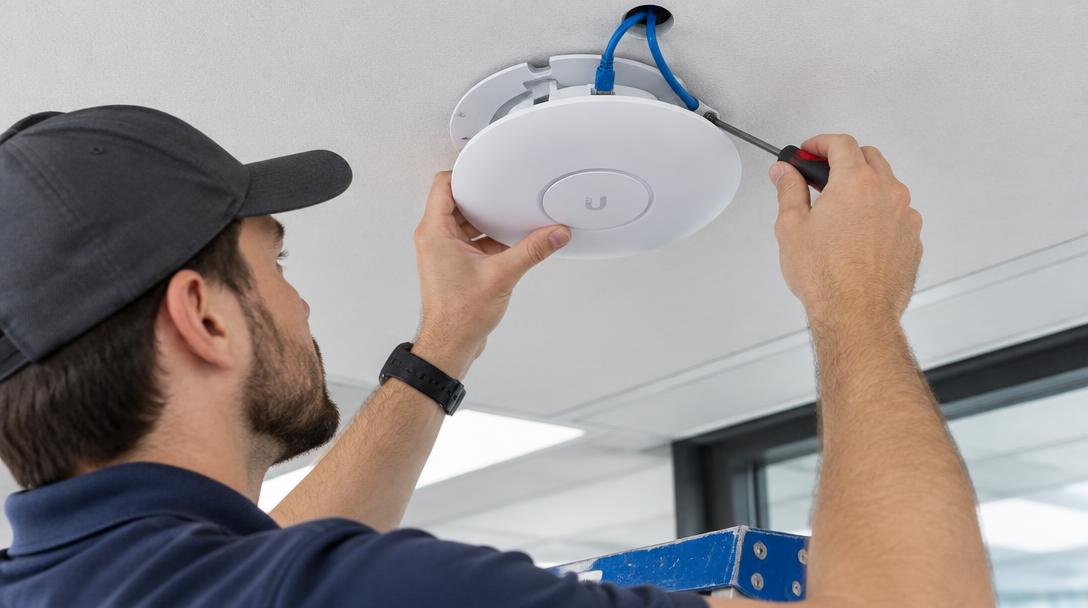
- Mount the access point centrally in the space, on the ceiling where possible
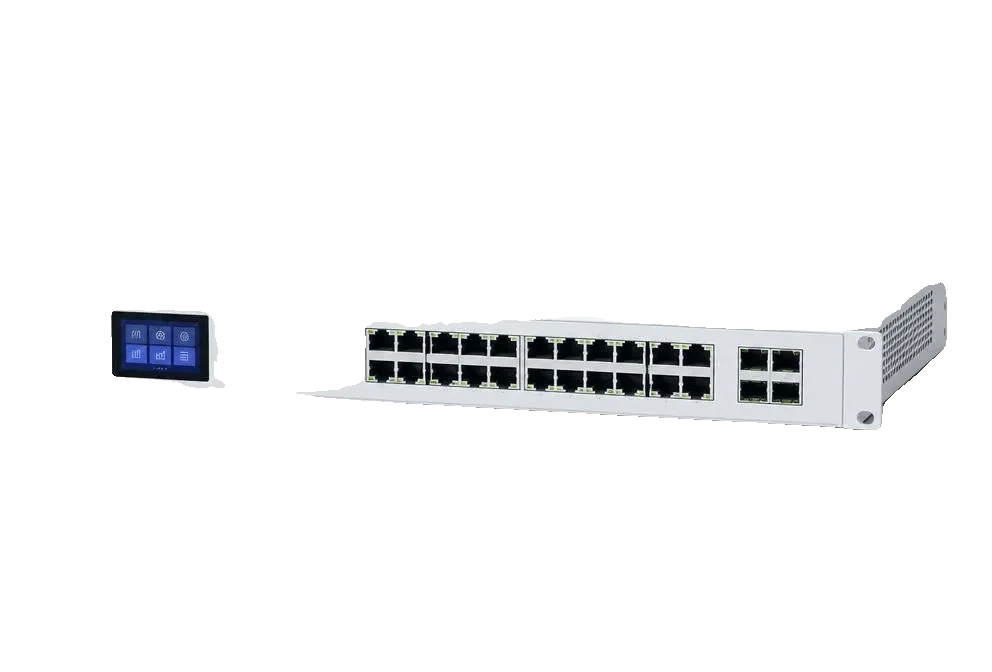
- Run Cat5e or better back to the comms room and connect to a PoE port
- Open the UniFi controller on the same network
- Go to Devices — the access point shows as Pending Adoption
- Click Adopt, then let the firmware update finish before touching anything
- Under Settings, create the Wi-Fi network: name, password, band and VLAN
- Walk the space and check signal, then adjust transmit power if needed
When adoption fails
- Access point and controller must be able to reach each other — check VLANs first
- No lights at all usually means no PoE on that port, or PoE budget exhausted
- A second-hand unit adopted elsewhere needs a factory reset first
- Across subnets, set the controller address by DHCP option 43 or a DNS record
Worth doing while you are there
- Put guest Wi-Fi on its own VLAN with client isolation
- Label both ends of every cable
- Set a fixed IP or DHCP reservation for each access point
- Turn off the lowest data rates to stop distant clients clinging on
Related questions
- Can I set one up without a controller?
- You need the controller for adoption, but it can run temporarily on a laptop or permanently on a Cloud Gateway.
- Does each access point need its own SSID?
- No. Create one Wi-Fi network and every access point broadcasts it, so devices roam between them.
Hardware for this
The ranges below cover what this article describes, supplied in the UK with lead times confirmed before you commit.