Short answer
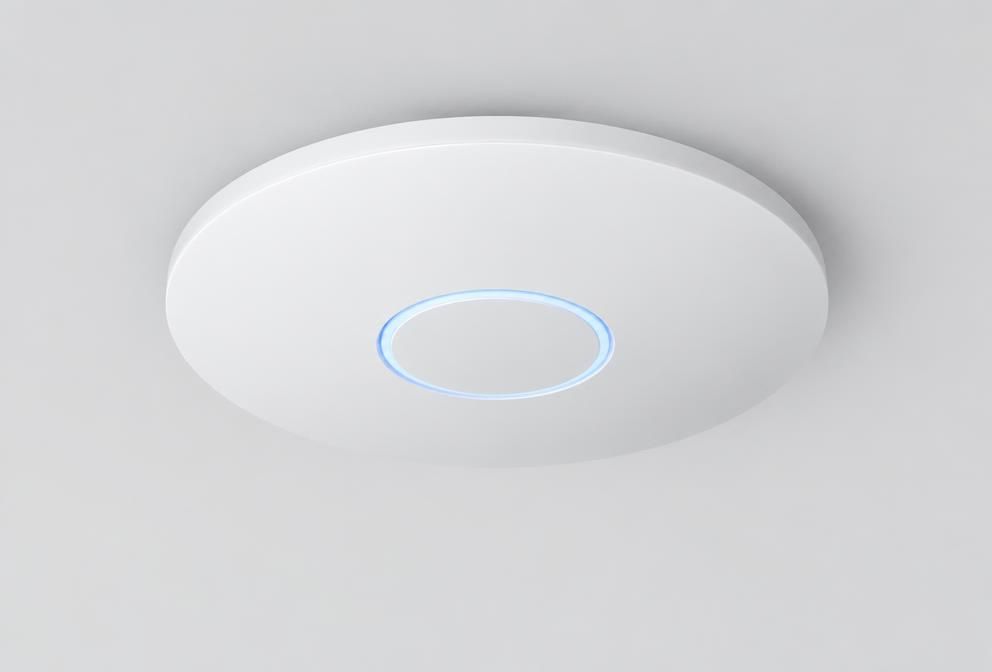
As a rule of thumb, plan one UniFi access point per 1,000–1,500 sq ft of open office, or one per two to three rooms in partitioned buildings. Also allow one access point per 40–50 active devices. Thick walls, glass partitions and high device density all increase the count.
Updated 2026-09-21 · 4 min read

Quick guide by space
| Space | Typical access points | Notes |
|---|---|---|
| Small office, up to 1,500 sq ft | 1–2 | One may be enough if it is open plan |
| Office, 3,000–5,000 sq ft | 3–4 | Add one for meeting rooms in the corners |
| Warehouse, 10,000 sq ft | 3–6 | Racking blocks signal; long-range models help |
| School, per classroom block | 1 per 1–2 classrooms | Density matters more than coverage |
| Hotel or care home | 1 per 2–3 rooms | In-wall models per room are often better |
Count devices, not just people
Every person now brings a laptop and a phone, and buildings add cameras, tablets, tills and sensors. Counting devices instead of desks is what stops a network failing on the busy day rather than the quiet one.
What makes you need more
- Solid walls, plasterboard with foil backing, lift shafts and metal shelving
- Glass partitions and stairwells, which reflect rather than pass signal
- Meeting rooms where 20 people all join a video call at once
- Outdoor areas, yards and car parks needing their own outdoor units
Too many is also a problem
Access points too close together interfere with each other and clients cling to the wrong one. Fewer, well-placed units with sensible power settings beat blanket coverage every time. We will sanity-check a floor plan for you before you buy.
Related questions
- Can I add access points later?
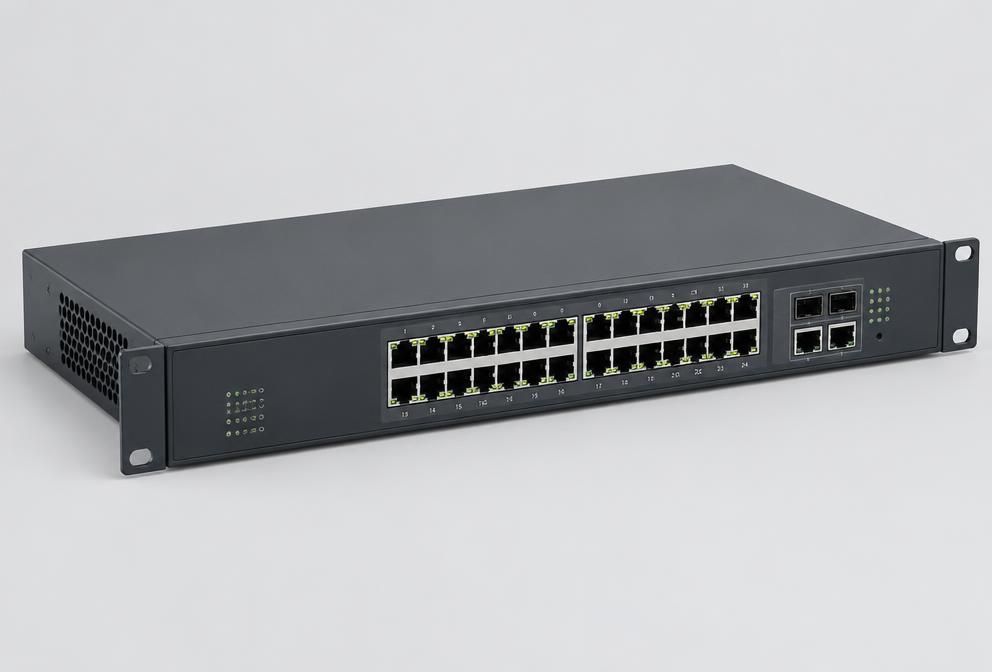
- Yes. Adding one to an existing UniFi network takes minutes, provided the cabling and PoE budget are there.
- Do I need a survey?
- For offices under about 5,000 sq ft a floor plan review is usually enough. Warehouses, schools and older stone buildings benefit from a proper survey.
Hardware for this
The ranges below cover what this article describes, supplied in the UK with lead times confirmed before you commit.